
The certification program involves up to five stand-alone web sessions lead by a Viedoc Product Specialist and two homework assignments. The training is intended for users who are working with designing and building studies in Viedoc, i.e. study setups.
To get the most out of the training and to allow time for the homework assignments, it is recommended that there are 3-5 days between session #1-3.
The below table lays out the high level content of the training. For a more detailed information about each session see the detailed agenda for each session by clicking the link:
| Session | Duration | Content | Assignment |
|---|---|---|---|
|
Prerequisite* |
60 min | Introducing Viedoc Clinic from the perspective of different user roles. |
Hands-on training |
| # 1 | 90 min |
Introducing Viedoc Admin and Designer. Building |
Homework #1 (Needs to be completed before start of session #2) |
| # 2 | 90 min |
Change management. Updating your study. |
Homework #2 (Needs to be completed before start of session #3) |
| # 3 | 90 min |
Study maintenance and close-out. |
|
| Follow-up | 60 min | Open Q/A |
* Only applicable if you are new to Viedoc
Duration: 60 minutes
This session is required if you are unfamiliar with Viedoc. The following sections of Viedoc are covered during the prerequisite session:
*optional
After the session is completed you will get access to a demo study in Viedoc with several different user roles.
Duration: 60 minutes
The follow-up session is planned approximately a month after the third session is done or after/during the setup of the first study. This a a pure Q/A session and not part of the certification.
Duration: 90 minutes
The first session of the certification program presents Viedoc Admin and Designer and introduces step by step how to initiate and build a study in Viedoc.
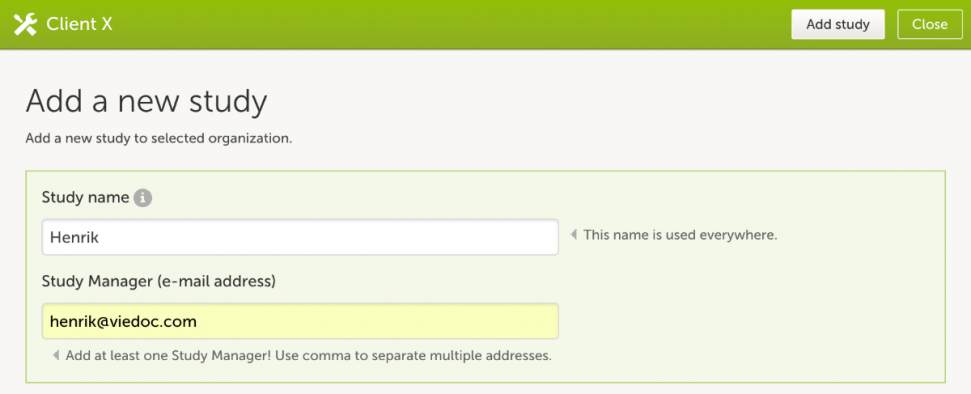
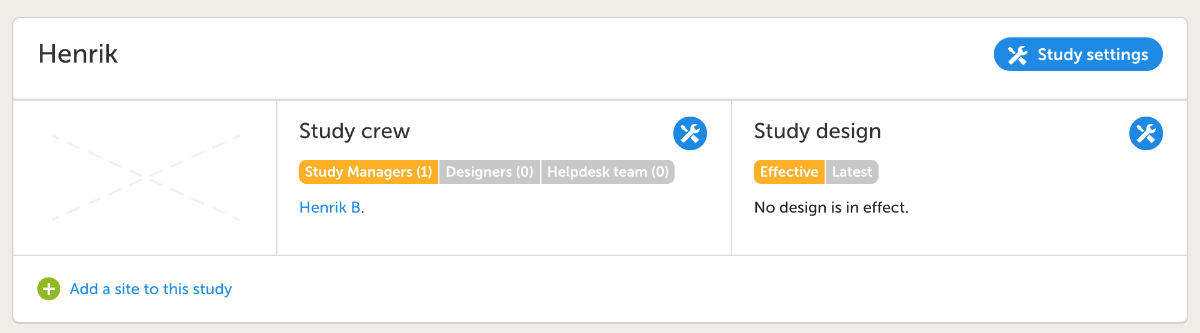
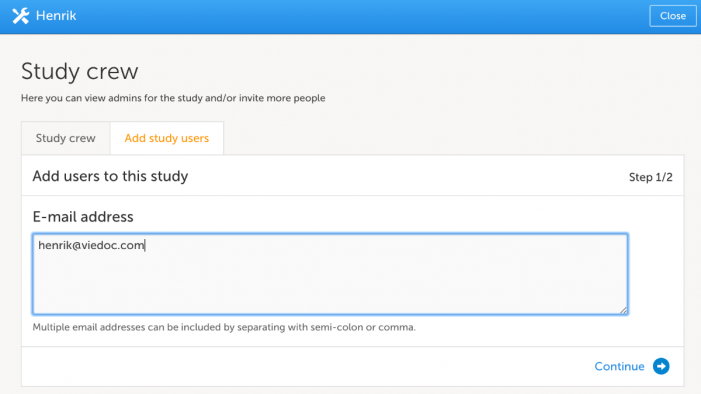
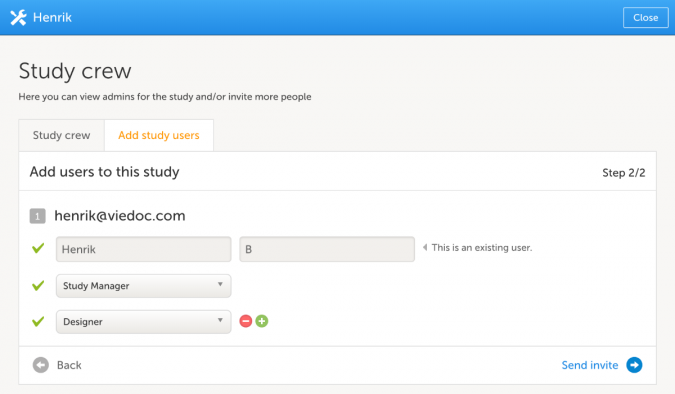
Summary: Create a simple study, invite yourself as an investigator, and enter data for a new patient to verify the setup is working as expected.
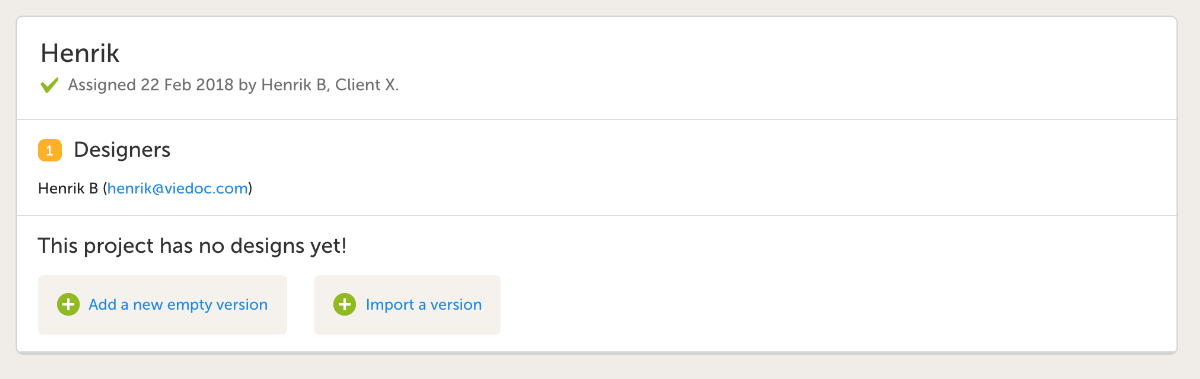
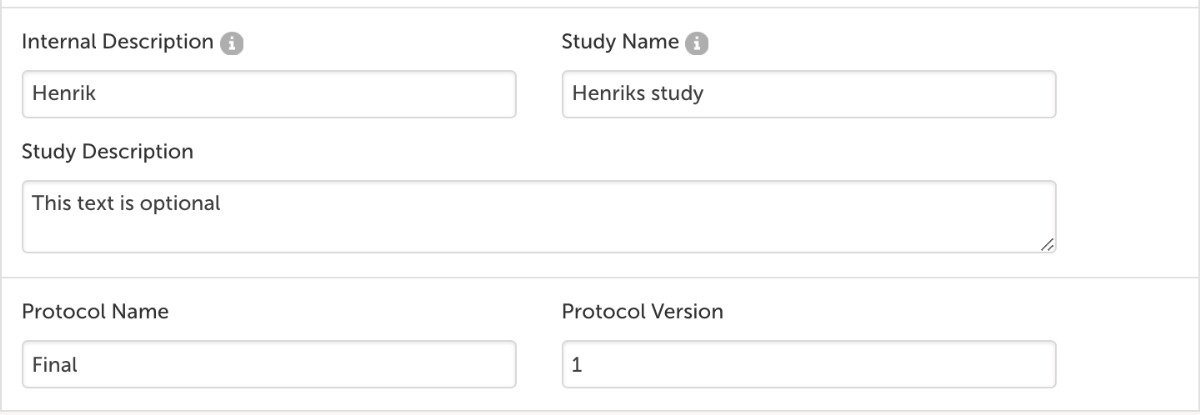
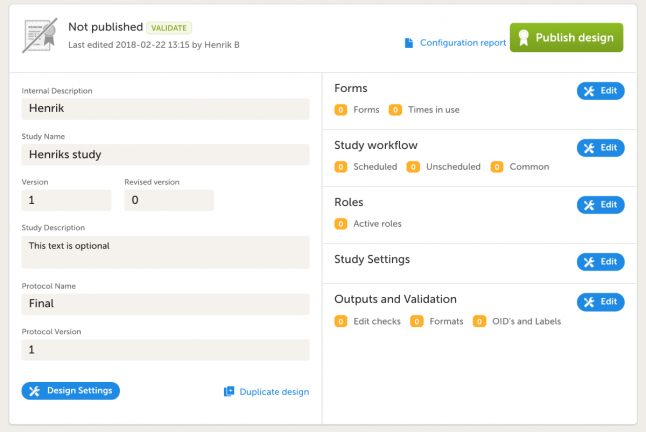
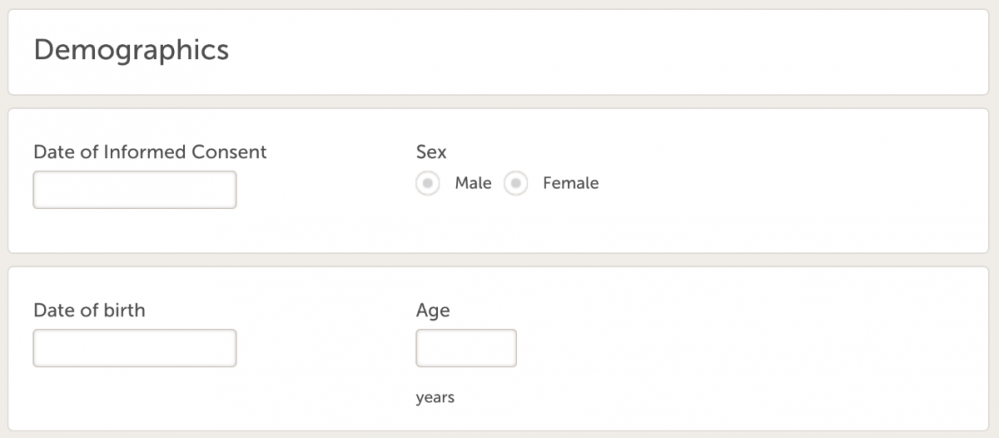
Follow the steps below to complete the assignment:


VSSYS<VSDIA.Don't forget also to add relevant visibility conditions.
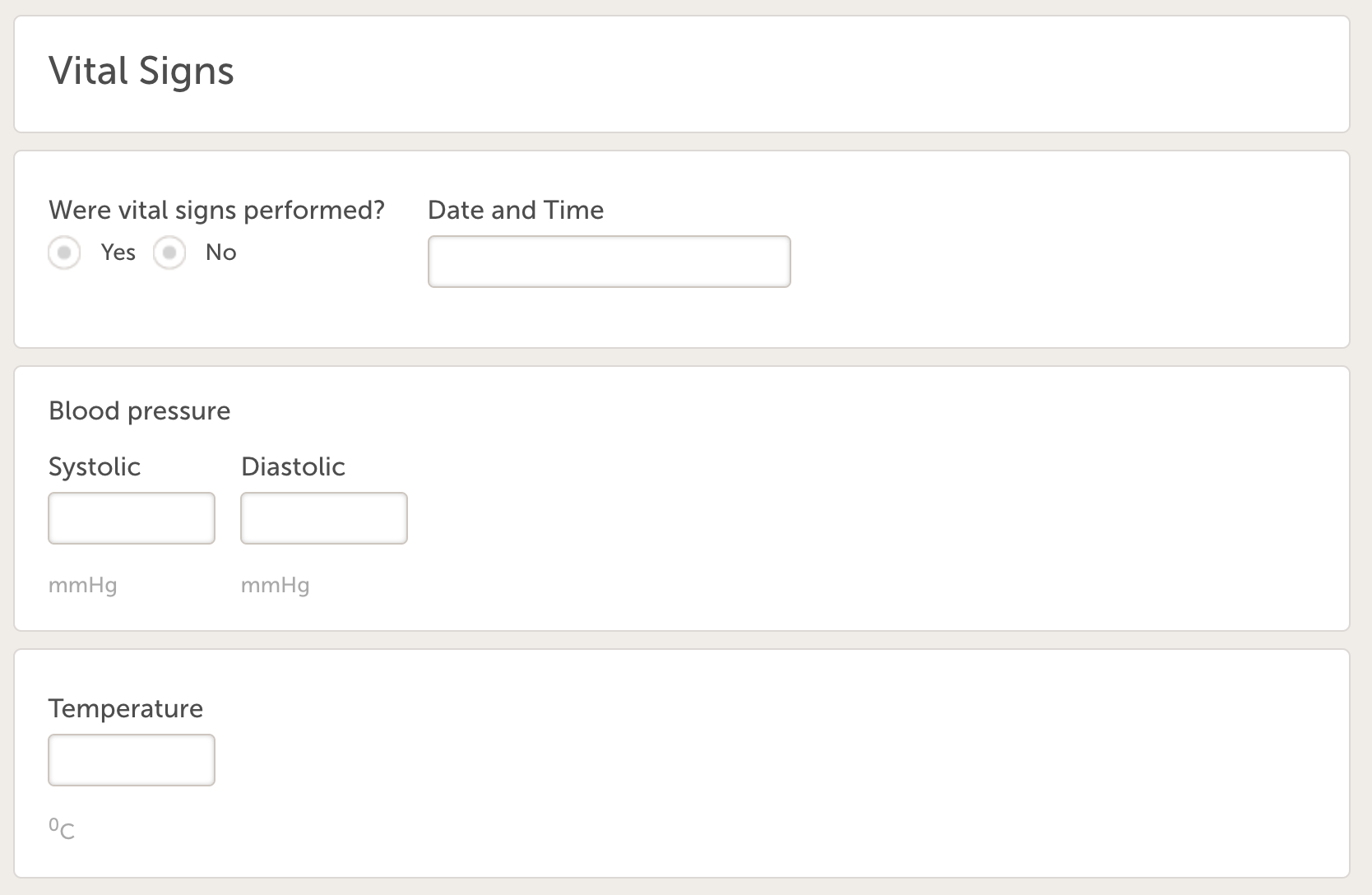
14. Create another form:
StudyEventRepeatKeyEventID.FormID.ItemIDRemember to also add all relevant visibility conditions.
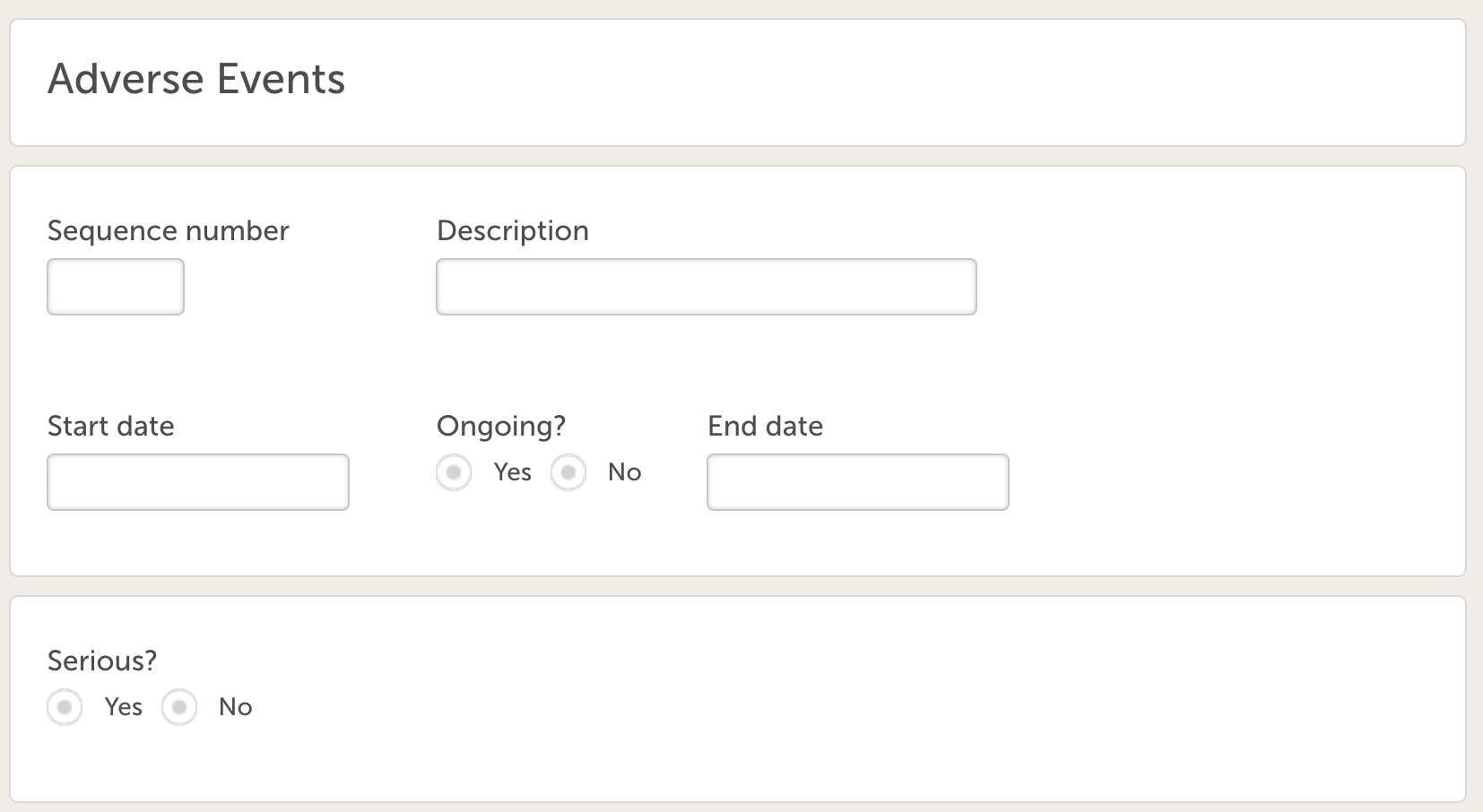
15. Go to Study workflow, click Edit.
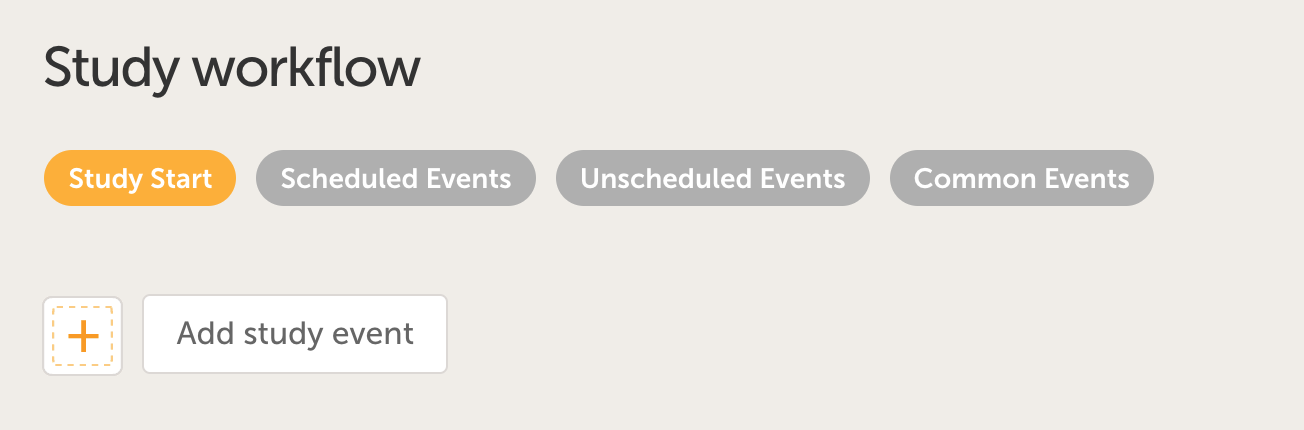
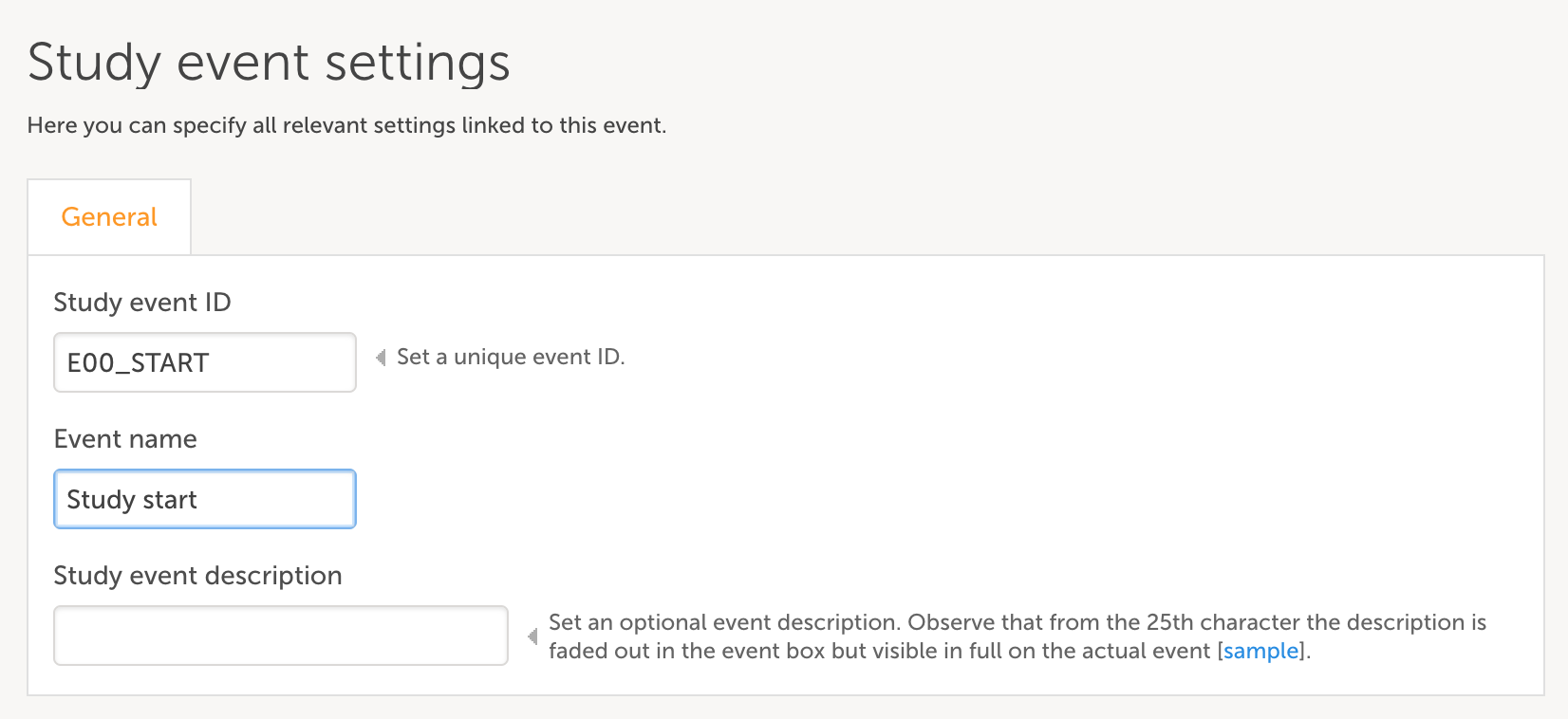
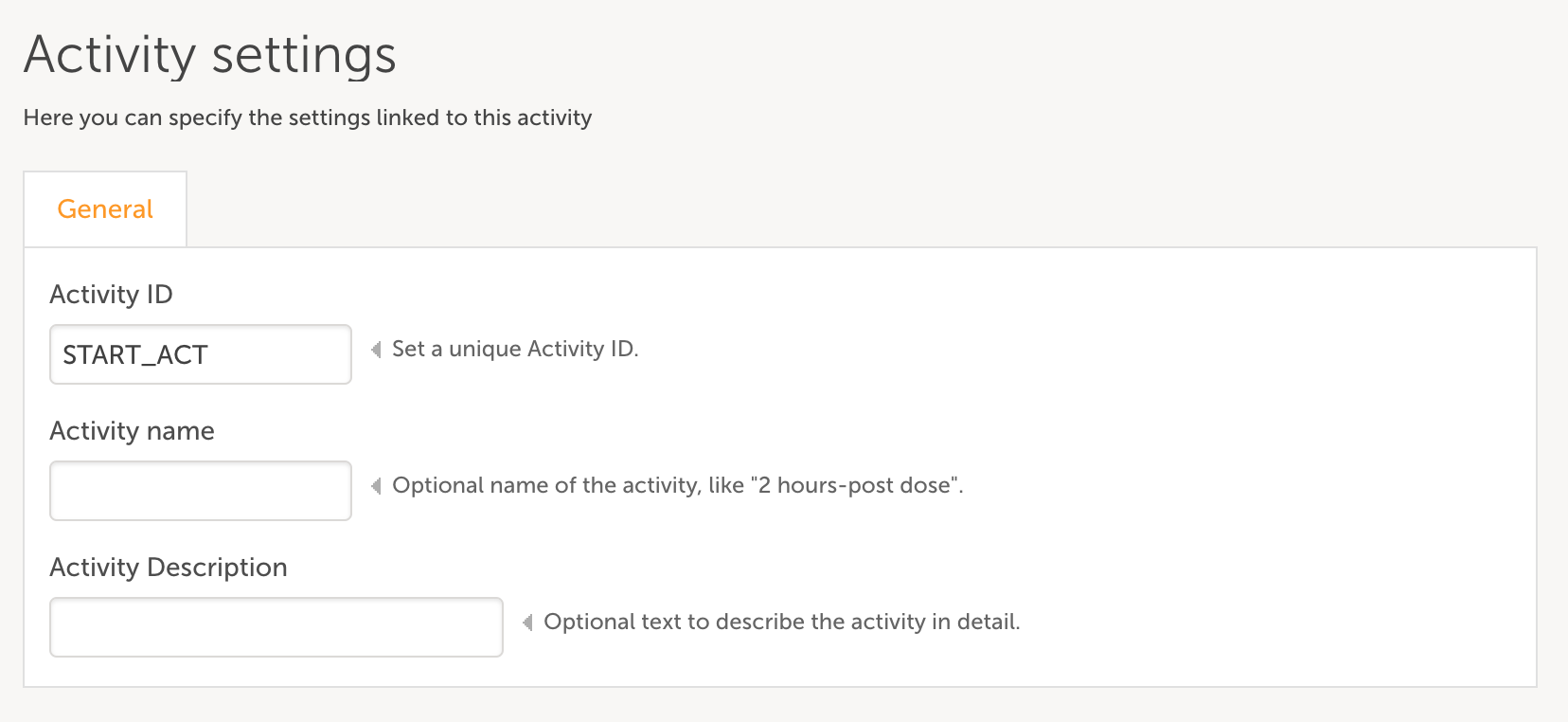
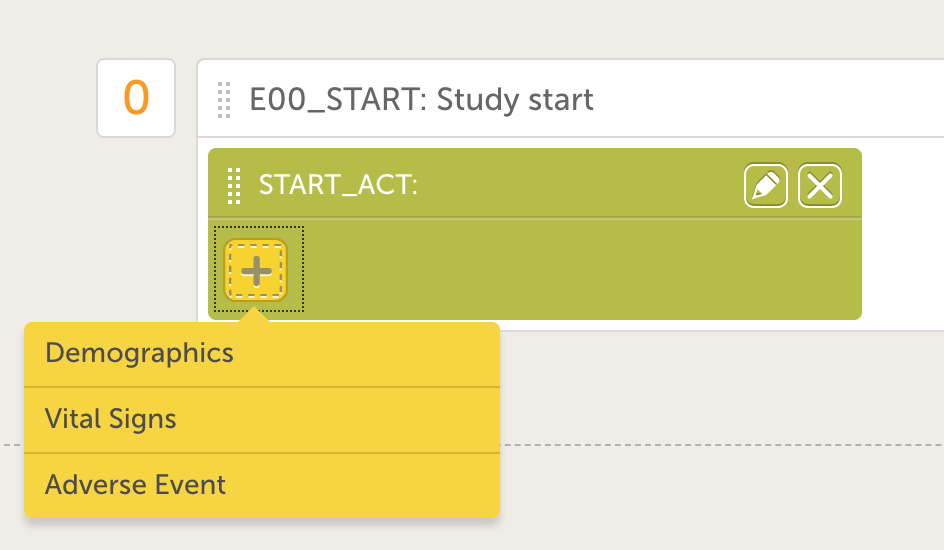
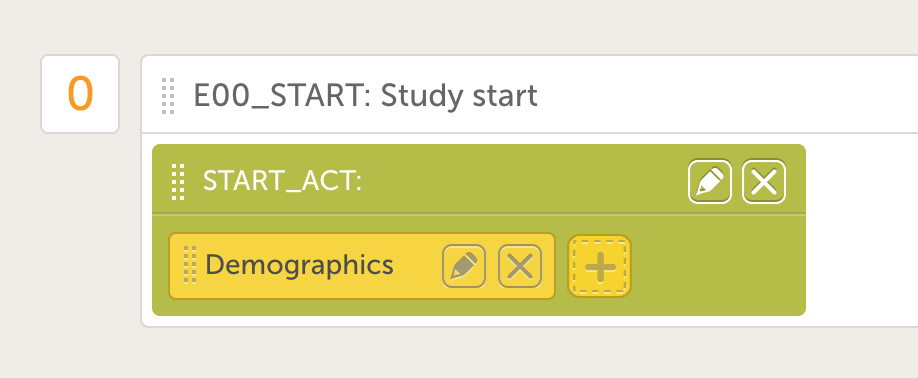
Follow Up V{StudyEventRepeatKey}”{CountryCode}-{SiteCode}-{SiteSubjectSeqNo}.In Viedoc Admin:
In Viedoc Designer go to the latest effective design, create a new, fully-customizable version.
Diary Day {StudyEventRepeatKey}”Duration: 90 minutes
The second session focuses on updates to a design version via a version or revision.
Before beginning this assignment, make sure you have at least one patient entered from the previous assignment.
In this assignment, you will update your existing study with additional forms and conditions. Follow the steps below to complete the assignment.
Start by duplicating your design as a Revised version.
Go to Forms.
var a = E00_START.DM.DMICDAT;
if ( !a || !PTDAT)
return true;
else return (PTDAT >= date(a));
$THIS.UN.UNTESTS.contains(1)$THIS.UN.UNTESTS.contains(2)if(E00_START.DM.DMICDAT!=null)
return “Enrolled”;
else return “Screened”;
Duration: 90 minutes
The third session focuses on study maintenence issues.
As a certified designer you will be able to contact the Viedoc Product Specialist team for support through support@viedoc.com. The support is available during office hours (CET) and will respond to your questions within maximum one working day or as soon as possible. Your organization will be responsible for supporting your end users, such as site staff and monitors. All questions directed to our support team should go through the certified designers in your organization.
A follow-up Q&A session is included in this training program. Please feel free to contact the Product Specialist that was assigned to your training within 6 months after the certification is completed. We recommend that this session is held when you have started working actively in Viedoc designer and have done some work on your first study.
Stay updated. Roughly every 6 weeks we have a new release with upgraded functionality and new features that could benefit you and your team. Stay updated by regularly visiting the release notes section on the Viedoc web site.