
Configuring data checks to fire on form save
Firing data checks on form save
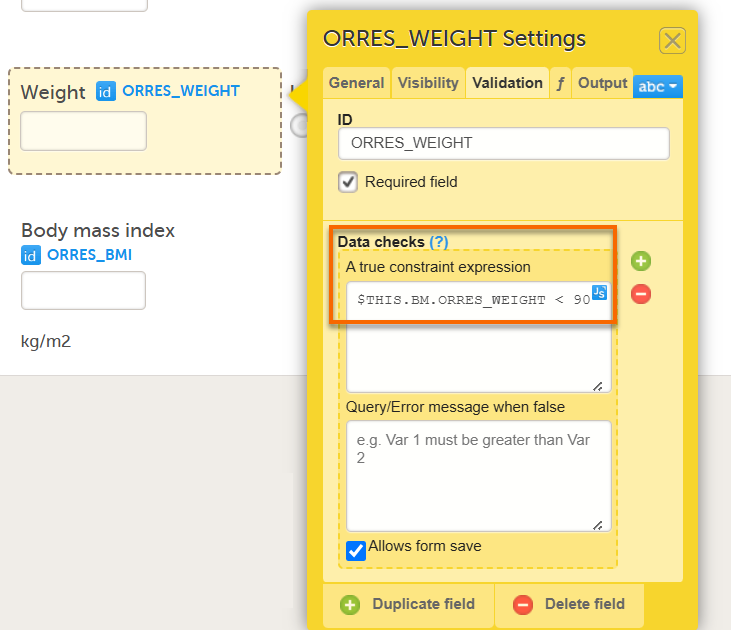
By default, when you reference an item by its ID alone in a data check, the check fires as the value is entered in the form. If you instead write out the item's full reference path, the data check fires only after the form is saved.
To configure a data check to fire on form save:
- In Viedoc Designer, open the form and select the item that the data check applies to.
- Open the Validation tab of the item settings pop-up.
- Under Data checks, in the field A true constraint expression, instead of referencing the item by its ID alone, write out the full reference path of the item, using the
$THISkeyword for the current event.
For example, instead of: ITEMID < 90
Write $THIS.FORMID.ITEMID < 90
Note! For more details about how to use JavaScript in Viedoc, see the lesson Using JavaScript in Viedoc.