Encryption of Patient Information
Introduction
This document aims to describe how patient information is stored in Viedoc 4 while still respecting the patient integrity.
The only patient information stored in Viedoc that may reveal a patient's identity is the email address and/or mobile phone number. This information is used in studies where ViedocMe (our ePRO solution) is used, in order to send out reminders to the study participants.
How patient data is encrypted
The following steps describe the flow and storage of patient information, from adding information for the first time into Viedoc, until it is used for sending out a patient reminder. The steps are visualized in the figure below.
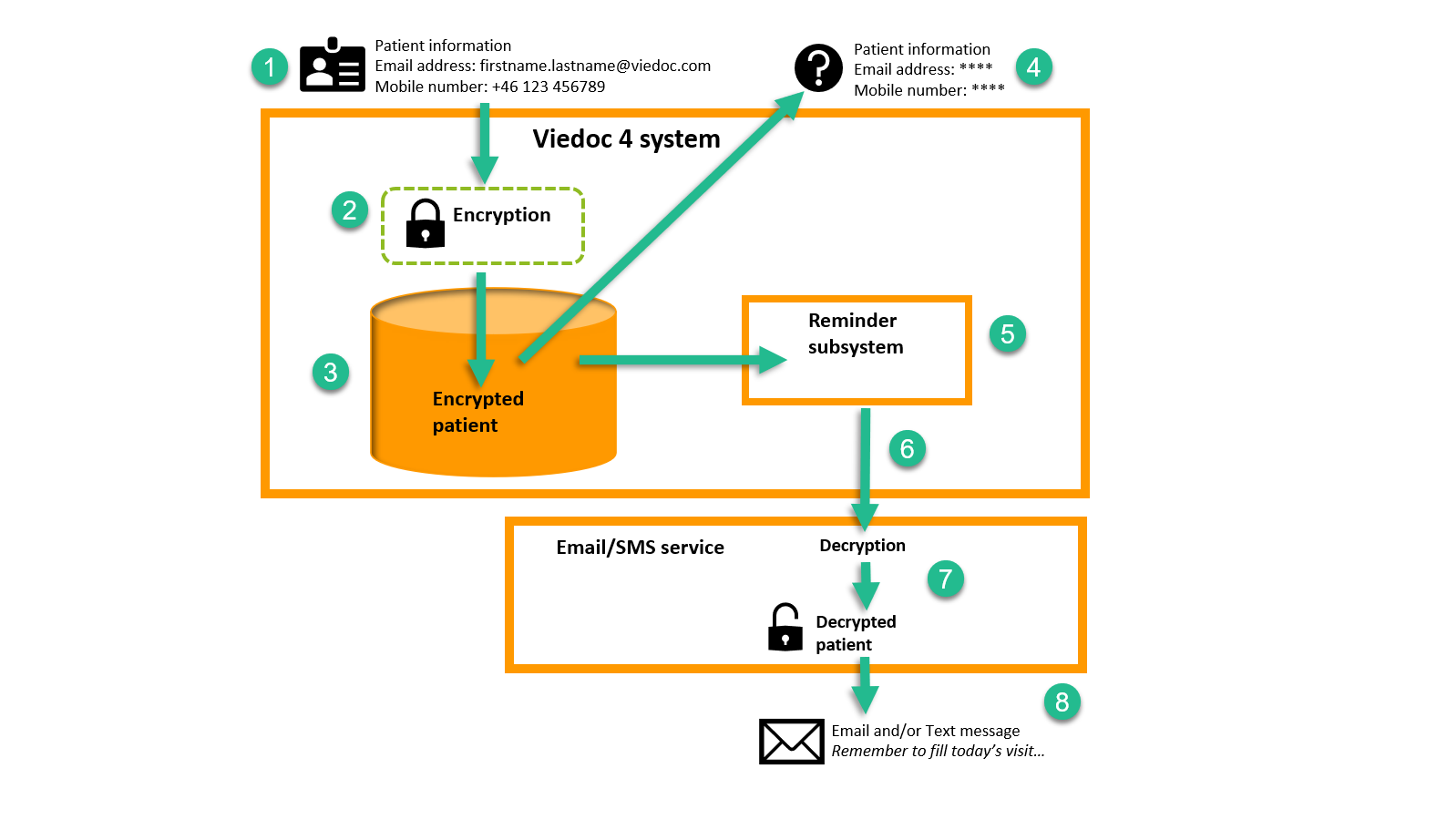
Step 1: The investigator registers the Viedoc Me account in Viedoc Clinic. During registration, the email address and/or mobile number is entered.
Step 2: The patient information is saved and encrypted.
Step 3: The encrypted patient information is stored in the Viedoc database.
Step 4: The patient information is shown as asterisks (****) when the Viedoc Me registration dialog is opened in Viedoc Clinic. The information can be changed, then step 1 applies.
Step 5: When the Reminder subsystem is triggered to send out a reminder the encrypted information is fetched from the database and sent to a dedicated email/SMS service.
Step 6: The email/ SMS service has the key required for decryption.
Step 7: The decrypted patient information is used to send out reminders as email and/or text message (based on patient settings). The patient information is only kept in memory during this process and never stored persistently in memory or in any log file.
Step 8: The patient receives an email and/or text message as a generic reminder to enter study data.
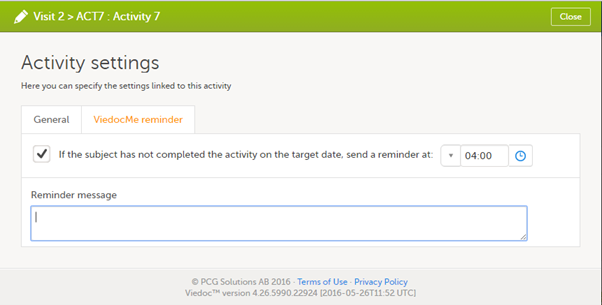
How the reminder message looks is defined in Viedoc Designer. The reminder
message is fully customizable and translatable to the languages that the study needs to
support. See Patient reminders for a screenshot from Viedoc Designer where reminders are set up.
Patient reminders
Email reminders are sent from no-reply@viedoc.net.
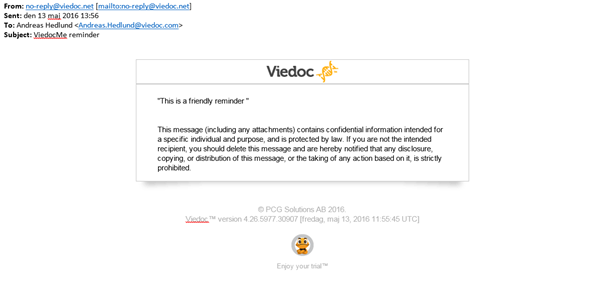
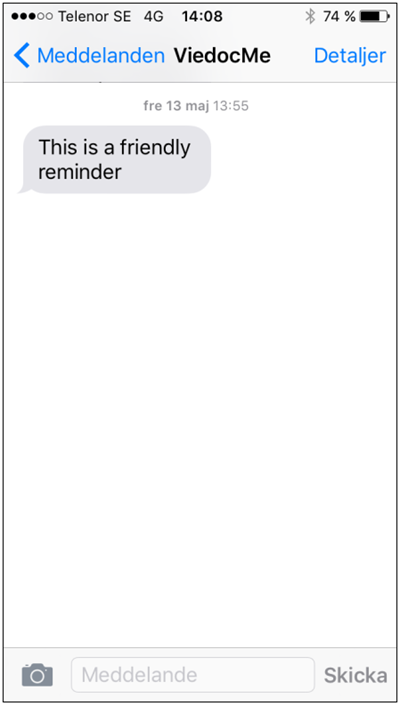
Text message reminders are sent from Viedoc Me.
Text message reminders will be sent from Viedoc Me, The number of Viedoc Me is visible if you check the details of the sender in your phone. This number goes to the text message service gateway which Viedoc uses.