
Instantiating a structure
To instantiate an eTMF structure, that is to apply it to a study:
| 1 |
In Viedoc eTMF, select the TMF Admin view. 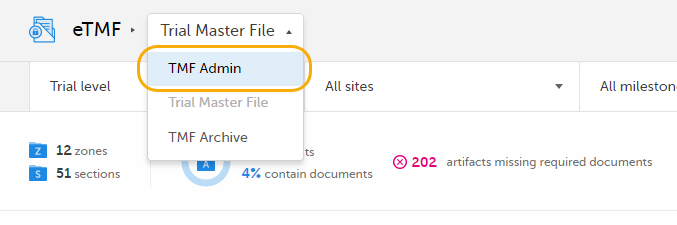
|
| 2 |
Click the TMF structure tab at the top of the page. 
|
| 3 |
Click the Instantiate button. 
|
| 4 | The structure is now applied to the study and available for end users to work with. |
Note! Once a structure has been instantiated for a study, it cannot be un-instantiated. To make changes to an instantiated eTMF structure, you need to switch on Maintenance mode. For more information, see Editing a structure.