
Importing and exporting templates
Note! This page contains information and instructions for the new TMF user interface. If you are using the old interface, please go to the relevant user guides:
- Viedoc eTMF User Guide (old interface)
- Viedoc User Guide for eTMF Managers (old interface)
Want to browse more information for the new interface? Please go to the new TMF user guides:
Importing a template
To import a TMF template:
| 1 |
In the left navigation menu, select to expand TMF Admin and select the Templates page. |
| 2 |
Select Import: 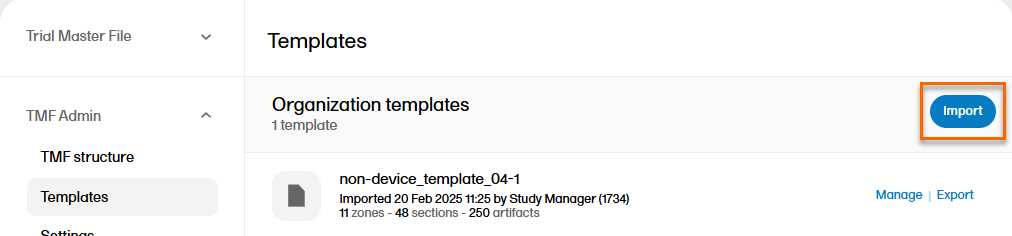
|
| 3 | Browse and select the TMF template you would like to import. |
| 4 |
Note! If there are any errors in the imported template, a message will be displayed. To download the file with the error messages for review, select Download import errors. 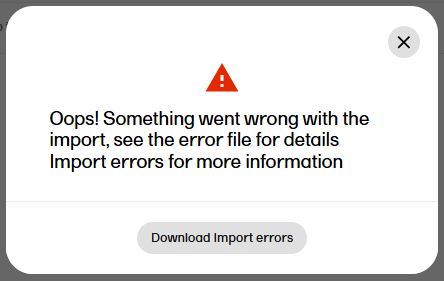
|
Exporting a template
An existing template can be exported in order to make changes to the template Excel file.
To export a TMF template:
| 1 |
In the left navigation menu, select to expand TMF Admin and select the Templates page. |
| 2 |
Select Export for the template that you want to export: 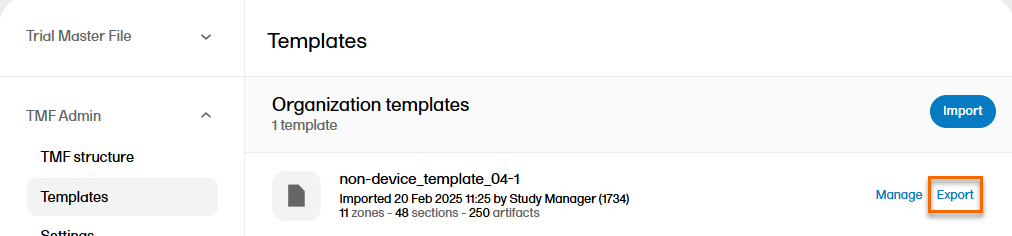
|
| 3 |
The Excel file is then downloaded via your browser. |